Sign up for a FREE account and get unlimited access
- Daily Tide Charts
- Public Gallery Access
- Ad-Supported Browsing Experience
…featured sessions…
 New
New

Shotyah · Latest Sessions
Find Your Surf Clips Now
The 4K Drone Archives on Shotyah.com
New 9-26-26 Rockpiles
1-3ft hurricane Nolo long lefts
shotyah.com/photo-session/39
View gallery ↗
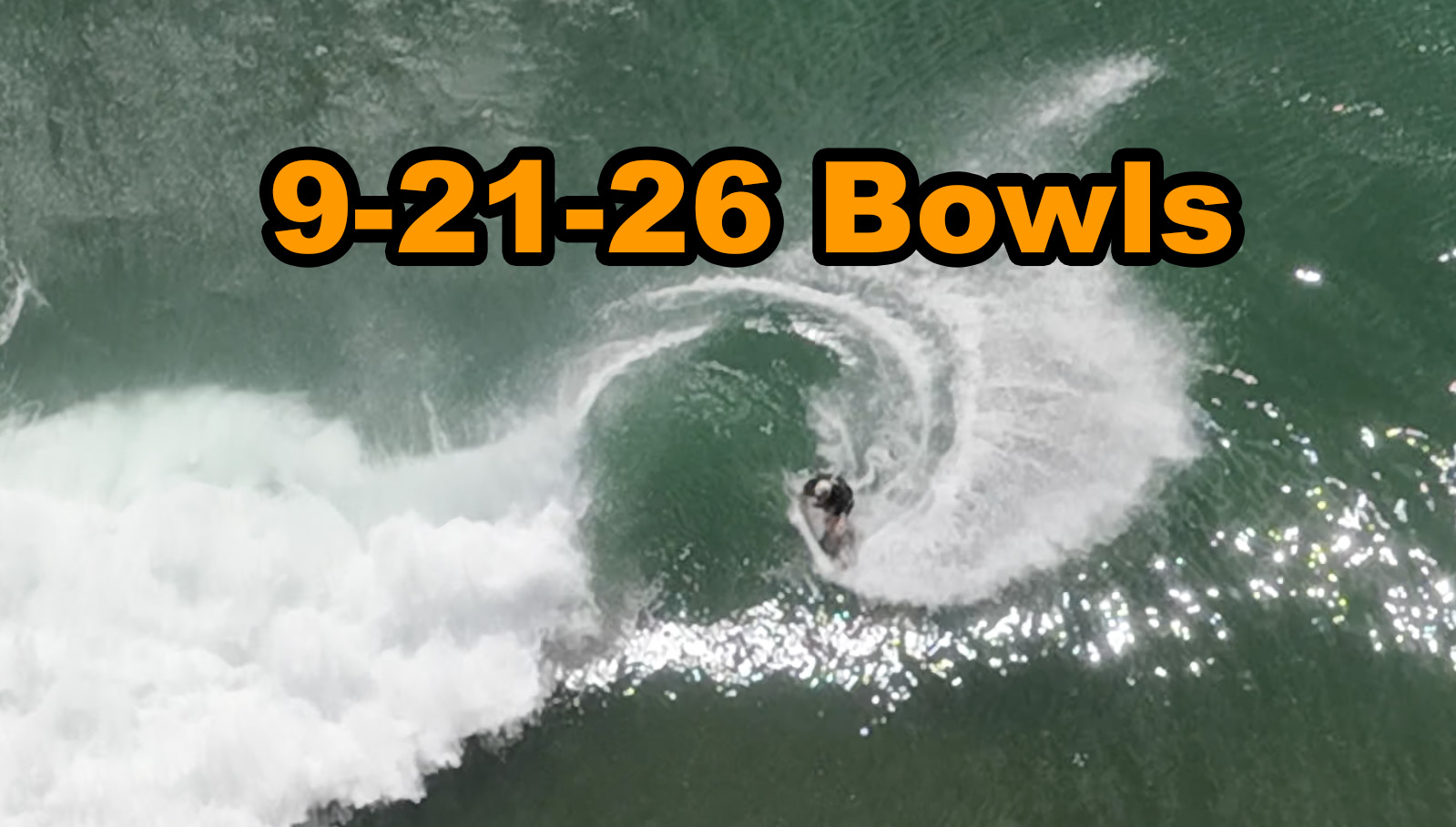
9-21-26 Bowls
2-3ft clean conditions fun sized summer surf.
shotyah.com/photo-session/36
View gallery ↗
9-11-26 Bowls
1-3ft small fun surf longboard girls out
shotyah.com/photo-session/30
View gallery ↗
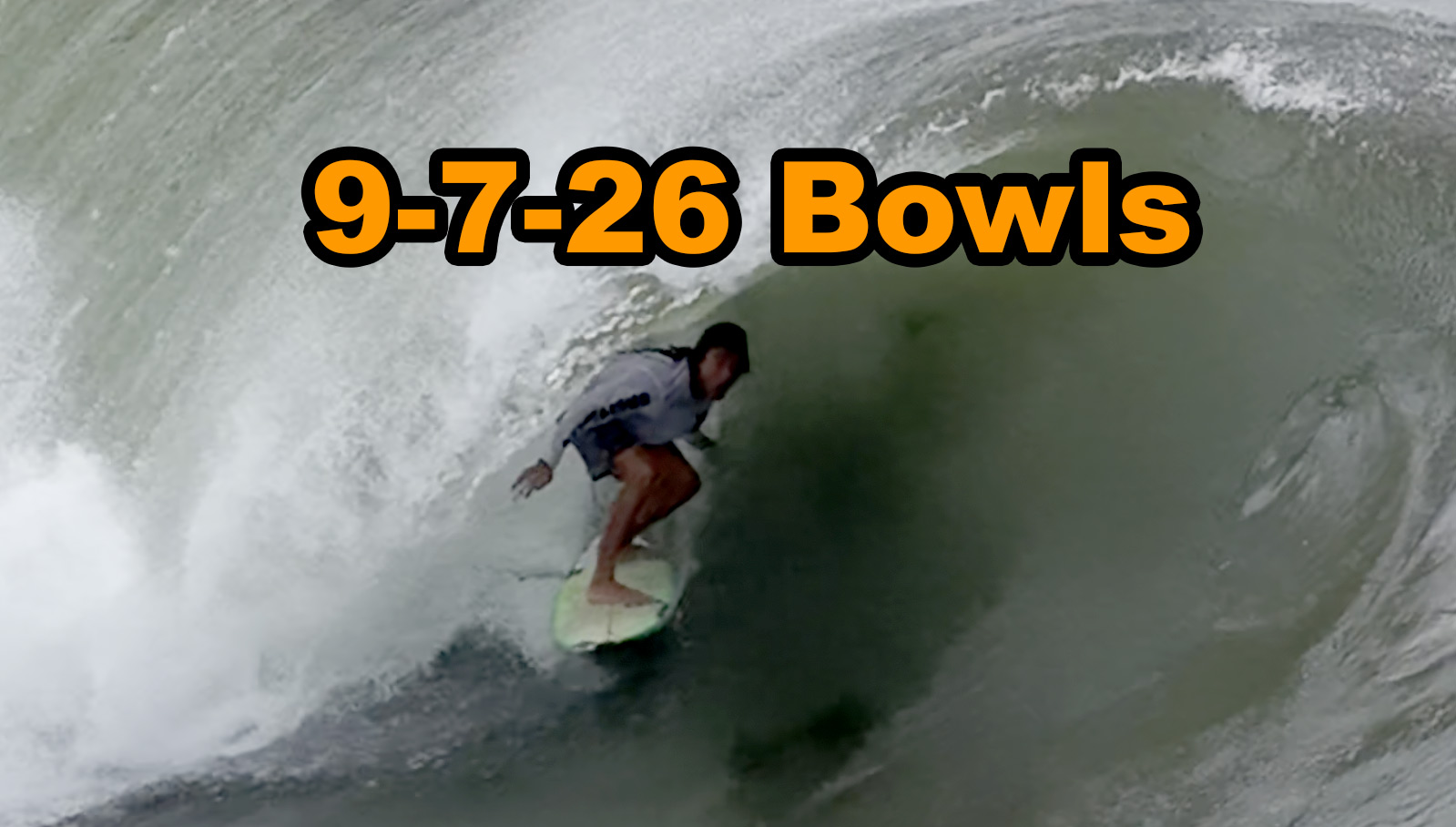
9-7-26 Bowls
3-4ft Hurricane Lowell surf
shotyah.com/photo-session/28
View gallery ↗
Galleries hosted on Shotyah · surfchronic.com
Surf Chronic · Session Rewind
Gallery808.com - Find your Photos
Pick the spot, the day, and your session window — every clip we shot inside it shows up below. Session times are right inside your Surfline, Dawn Patrol, or watch app.
Next shoot
Nothing scheduled for future shoots yet — please check back again. Meanwhile, check out the latest gallery:
![Latest gallery thumbnail]() Latest gallery →
Latest gallery →
How to find your waves
- Spot — pick where you surfed. Each spot searches every gallery we shoot for it.
- Date — the day of your session. Not sure of the day? Flip on Any date to search all of that spot's galleries at once — results come back grouped by day, newest first.
- Paddled out / Came in — your session window. Grab the times from your Surfline Sessions, Dawn Patrol, or surf watch app — or tap a Quick set chip (Dawn patrol, Morning, …) for a ready-made window. A wider window never hurts; you'll just see a few extra waves.
- Import session (GPX) — the no-typing way. Export your surf session from your watch or app as a GPX file, pick it here, and the finder fills in the date, your paddle-out and paddle-in times (with a 15-minute cushion), picks the nearest spot, and searches — all in one tap. Nothing is uploaded; the file is read right in your browser.
- Find my clips — every clip captured inside your window shows up below, earliest wave first.
- ⚡ Latest shoot — don't know the date at all? One tap shows every clip from the most recent shoot at that spot.
Reading your results
- The orange badge on each thumbnail is the exact time that wave was shot — line it up with when you remember paddling for it.
- A ▶ play mark means it's a video clip; the rest are photos.
- Tap any clip to open it full-size on Gallery808.com, where you can watch, download, or purchase.
- Red × on a thumbnail — not your wave? Tap it to remove that clip from the results and keep narrowing down to just your rides. (It only hides it on your screen — refresh or search again to bring everything back.)
- Share your session — after a search, the page address updates to point at exactly these results. Tap Copy link next to the clip count and text it to your crew; the link re-runs the same search for them.
- Imported a GPX? Results are automatically narrowed to clips shot within a minute of your actual track — waves you paddled for, not the whole morning. If nothing lands that close, the full session window is shown instead.
- The ☽ / ☀ button (top corner) switches the finder between dark and light mode.
FAQ
- Nothing came up for my session. Galleries are uploaded after each shoot, so give it a little time and check back. Also try widening your time window or switching on Any date — and remember all times are Hawaii Standard Time.
- I don't know my exact session times. Your surf app logs them: Surfline Sessions, Dawn Patrol, and most surf watches record paddle-out and paddle-in times automatically. Even easier — export the session as a GPX file and use Import session (GPX) to fill everything in for you.
- How do I get a GPX file from my watch or phone? Garmin: Garmin Connect → your activity → Export to GPX. Strava: the activity → Export GPX. Rip Curl Search GPS: the session → share/export GPX. Apple Watch (Apple Health): workouts don't export GPX directly — use the free HealthFit or RunGap app to export the workout as GPX, or log sessions with the Dawn Patrol or Surfline app and export from there.
- The times look a little off from my watch. Clip times come from the camera's clock, so they can drift a few minutes — pad your window by 10–15 minutes on each side.
- I found my wave — how do I get the clip? Tap it. It opens on Gallery808.com by Surf Chronic, where downloads and prints live.
All times Hawaii Standard Time · Clips open on Gallery808.com by Surf Chronic
Enter your email to unlock free surf reports, tide charts, and photo galleries — no account needed.
No spam — just a heads-up when new galleries drop. Unsubscribe anytime.
Want the full experience? Create a free account · Log in